When road, NPC movement or map behavior changes, route pages should be checked again before assuming an old frustration still applies.
Game updates
Bellwright Patch Updates, Hotfixes, and Save Checks
Use this page to understand what recent Bellwright updates changed and what to test in an existing save before changing a route, production plan, village setup or mod list.
Quick Answer: The latest official source listed here is the Bellwright
Hotfix [September 29] for PlayStation 5, Xbox Series X|S, and Windows Store. Read the
platform-specific note, then test one affected activity in your current save before
changing a route, mod setup or progression plan. PC players should compare the Steam
announcement feed before relying on console-only fixes.
Player re-check routine
After a patch, test the save systems most likely to feel different
Patch notes describe the fix; these checks show how to confirm the result in a real save without rebuilding your whole plan.
Start with the route that annoyed you mostIf a patch mentions roads, navigation, pathing or map behavior, walk the old route again before changing base location or outpost plans.
Open the village screens before rewriting prioritiesIf a hotfix touches storage hints, inspection screens or controller navigation, confirm what the UI now exposes before blaming workers.
Retest one production chainIf crafting, station flow or crashes were mentioned, follow one chain from input to output instead of assuming every old bottleneck still applies.
Record the resultNote the platform, build, save stage and exact outcome so you can separate a patch change from an old save, mod or setup problem.
Test by system
Match the patch wording to the in-game test that matters
Not every update affects every system. Start with the activity named in the note before changing a long-term decision.
Navigation, roads or pathingWalk a familiar route, test waypoint behavior and compare the return trip before moving a base or outpost.Map and travel
Storage, workers or inspection screensWatch one hauling or building cycle and confirm that storage access, priorities and task feedback still make sense.Village systems
Crafting, stations or material flowRun one input-to-output chain and check whether fuel, materials or station order is still the real bottleneck.Production
Combat, stability or controller fixesTry a short, low-risk fight before committing to a long liberation push or mining trip.Combat and controls
Choose your next test
Open the guide for the system you are testing
Once the patch note is clear, use the guide that matches the activity in your save instead of changing several systems at once.
Travel changedMap and RoutesTest roads, waypoints, return loops and outpost travel
Workers changedVillage SystemsTest storage, hauling, food and task priorities
Production changedCrafting GuideTest stations, inputs, fuel and output timing
Save behaves differentlyMods and BackupsSeparate patch effects from load order and old-save problems
Official sources
Read the full platform note before testing your save
Summer Update and Console ReleaseOfficial Steam News post dated June 9, 2026.
Console Hotfix [September 29]Official Bellwright site post for PlayStation 5, Xbox Series X|S, and Windows Store.
Console Hotfix [September 15]Official Bellwright site post covering save-file and co-op access fixes.
Steam Announcement FeedOfficial Steam community announcements including Hotfix [September 1], [July 16], [July 3], [June 30], [June 23], [June 18], [June 15] and [June 11].
Platform differences
Separate gameplay hotfixes from community news
Steam playersThe Steam announcement feed lists Hotfix [September 1] as the latest Steam gameplay hotfix listed here. Check the feed again before treating a console-only fix as a PC change.
Console and Windows Store playersThe official Bellwright site lists hotfix posts for August 18, August 21, September 15 and September 29. Use the platform note that matches your copy of the game.
Co-op and older savesWhen a note mentions loading, save size, access or teleporting, test the host and client flow with a backup before continuing a long session.
Patch timeline
Recent official updates and the activities they affect
September 29, 2026 - Console HotfixFixes focused on unremovable waypoints and an infinite loading case when a client teleports during the host's loading screen. Re-check route planning, map travel and co-op trip advice.Latest official-site hotfix
September 15, 2026 - Console HotfixCritical fixes for saves over 9MB and co-op access on some platforms. Re-check guidance that assumes a save cannot be recovered or that co-op access failure is a player-side setup problem.Save and co-op fix
September 1, 2026 - Hotfix [September 1]Steam-side fixes cover fishing/map-travel crashes, reading books in containers, village delivery-path visibility, mining resource capacity saves, building interaction limits, conquest/liberation blockers and Halmare Isles movement issues.Latest Steam gameplay hotfix
August 21, 2026 - Console HotfixConsole-focused stuttering and fishing crash fixes. Re-check performance-sensitive fishing, route and long-trip notes if a page still talks as though those crashes are current.Console stability
August 18, 2026 - Console HotfixLarge stability and gameplay fix list covering map travel, books in containers, delivery paths, mining source capacity, building interaction limits, fishing, militia indicators, gamepad waypoint removal, conquest/liberation quests and Halmare Isles movement.Console gameplay fixes
June 9, 2026 - Summer UpdateMajor update pass and console release messaging. Re-check early-game pacing, controller support expectations, settlement tools and broader route value.Major update
June 18, 2026 - Hotfix [June 18]Road placement, controller navigation, NPC pathing, quest fixes and performance touches. Good trigger to re-check route friction and UI-heavy pages.Steam hotfix
July 3, 2026 - Hotfix [July 3]More crash fixes, co-op cleanup, animal interactions and NPC information fixes. Relevant when guide advice depends on inspection screens or travel stability.Steam hotfix
July 15, 2026 - Console HotfixLarge console and Windows Store stability pass with crashes, controller support, navigation, storage hints and faction-screen cleanup.Console hotfix
July 16, 2026 - Hotfix [July 16]Road-removal crash fix, Halmare Isles navigation fixes, controller cleanup, storage hints and menu freezes. Re-check route, village UI and map-related pages.Steam hotfix
What to re-check
Most patch notes matter because they change friction, not because they rewrite the whole game
If a hotfix improves menus, storage rules or work details, player-facing guide advice needs to focus on the remaining bottleneck rather than the old UI pain.
A stability-heavy hotfix does not automatically change route value, but it can reduce the friction around longer combat or mining outings.
Repeat the same activity once or twice before changing a route, rebuilding a village or removing a mod from a working save.
Useful game guides
After reading the patch notes, open the system guide that fits your test
How to use a patch note without overreacting
Read the scopeCheck whether the fix applies to Steam, console, Windows Store, co-op or a particular save condition.
Repeat the affected actionTest the route, screen, station, quest or fight named in the note before changing unrelated parts of the settlement.
Keep a backup for risky testsUse a backup before loading a modded save or testing a fix that mentions crashes, save files or co-op loading.
Change the plan only after confirmationA patch may remove friction without changing the best route, job order, material choice or progression timing.
Systems most affected by the recent hotfixes
The September notes matter most when your save depends on travel, teleporting, co-op loading, fishing stability, village delivery paths, mining-source capacity, building interaction limits or conquest and liberation objectives.
Travel and waypointsTest waypoint removal, teleport timing, Halmare Isles movement and one familiar travel loop.
Village and building actionsWatch delivery-path visibility, construction-site access and one building interaction before diagnosing villagers as idle.
Mining and resource sourcesTest ore or resource capacity with the same save and reload conditions described by the note.
Quests and combatRetry liberation, conquest or blocked-objective steps before abandoning the chain or changing your gear plan.
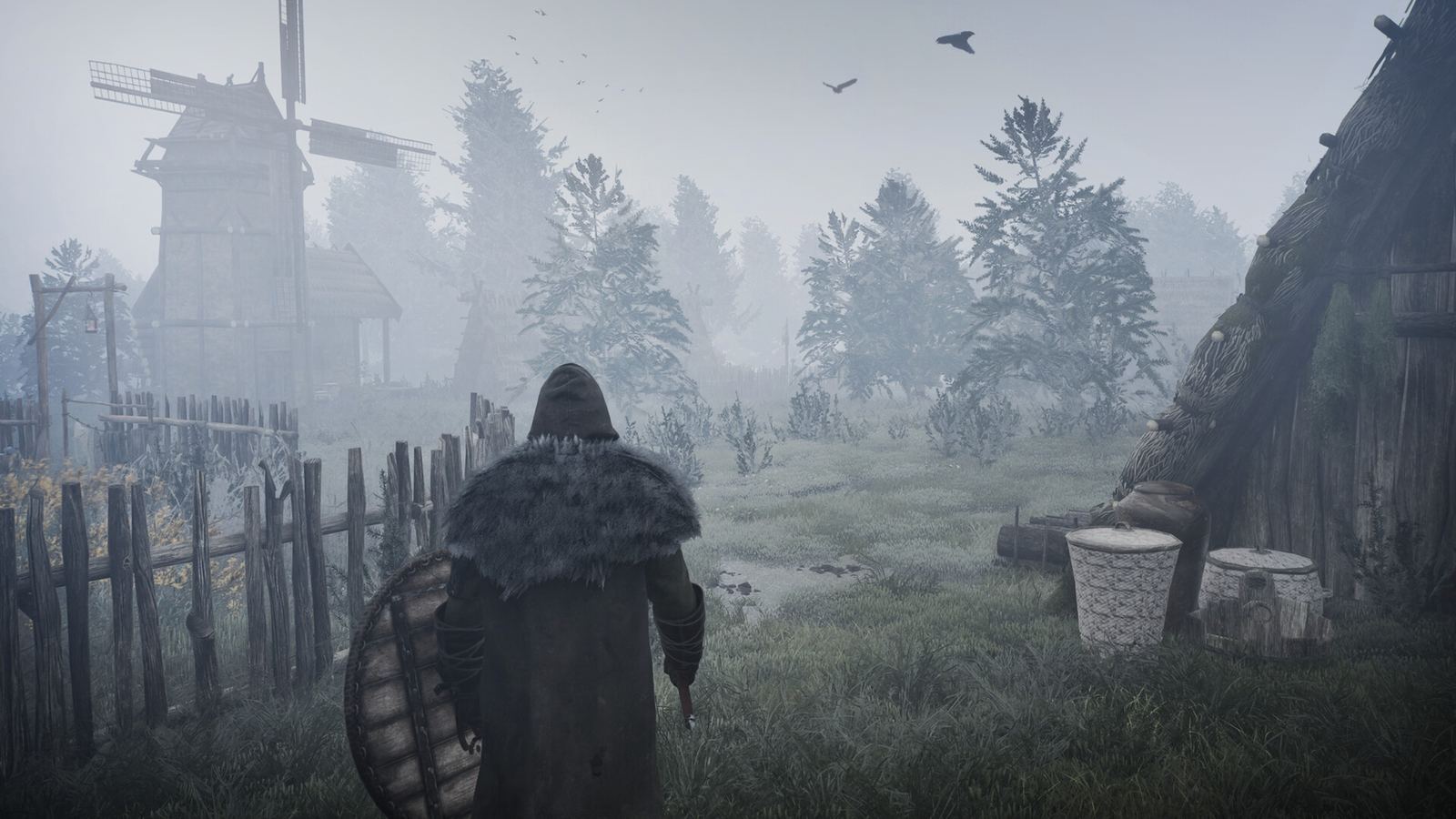 Test a familiar route after movement, road or map behavior changes.
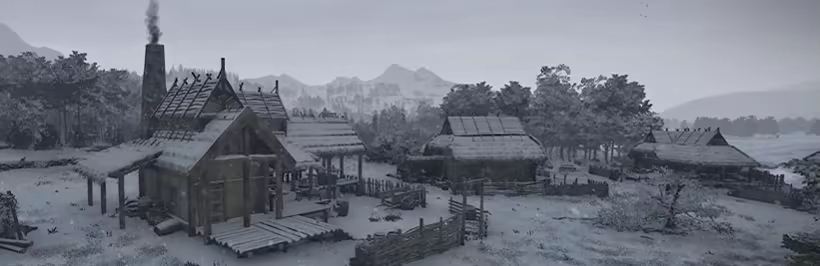 Watch one worker cycle after storage, delivery or inspection fixes.
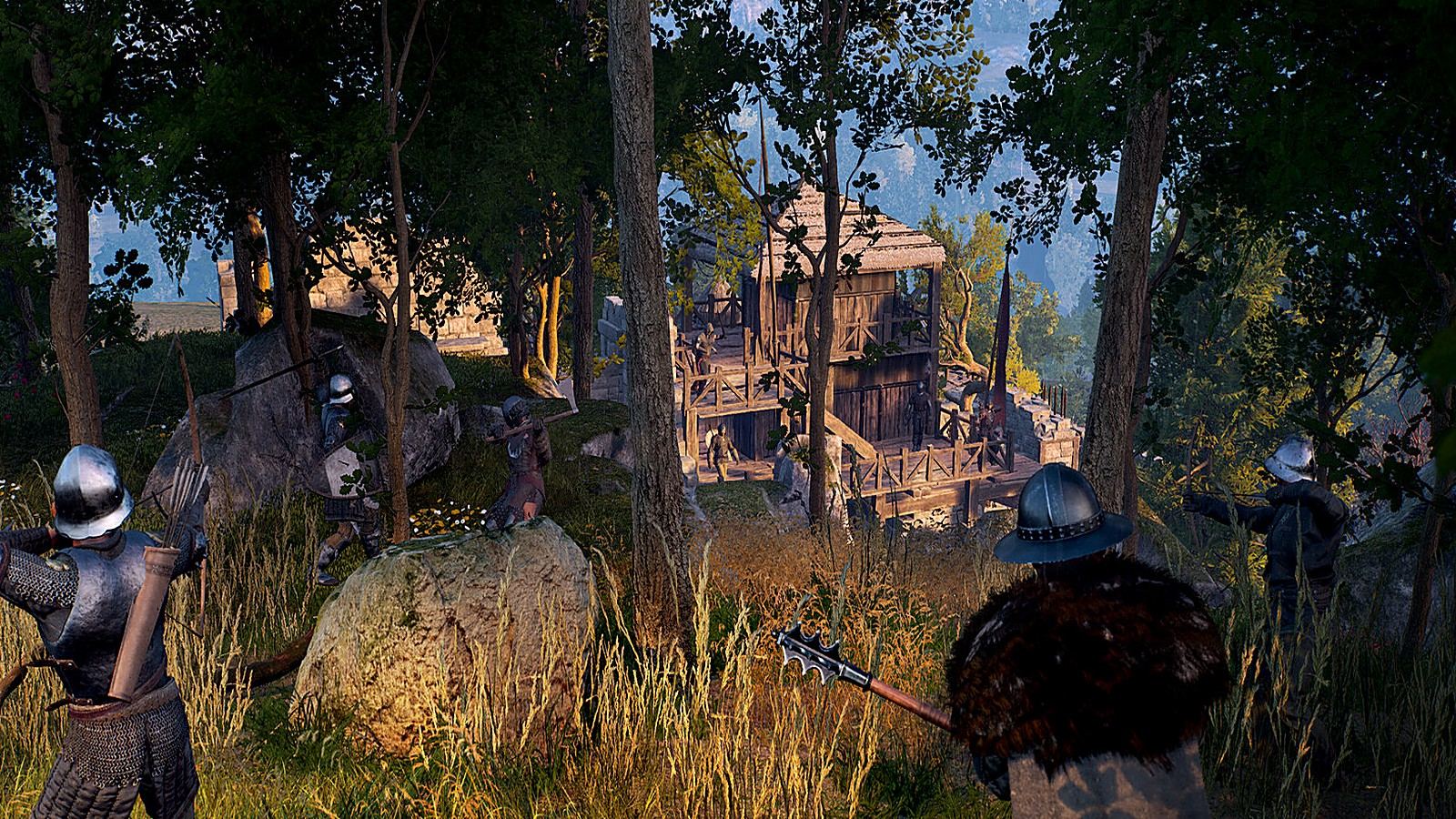 Use a short planning test after controller or progression hotfixes.
Choose the next useful guide
This guide includes official Bellwright update posts through Hotfix [September 29] on the official site and Hotfix [September 1] on Steam. Use the platform note and the affected-system checks before changing your current save.